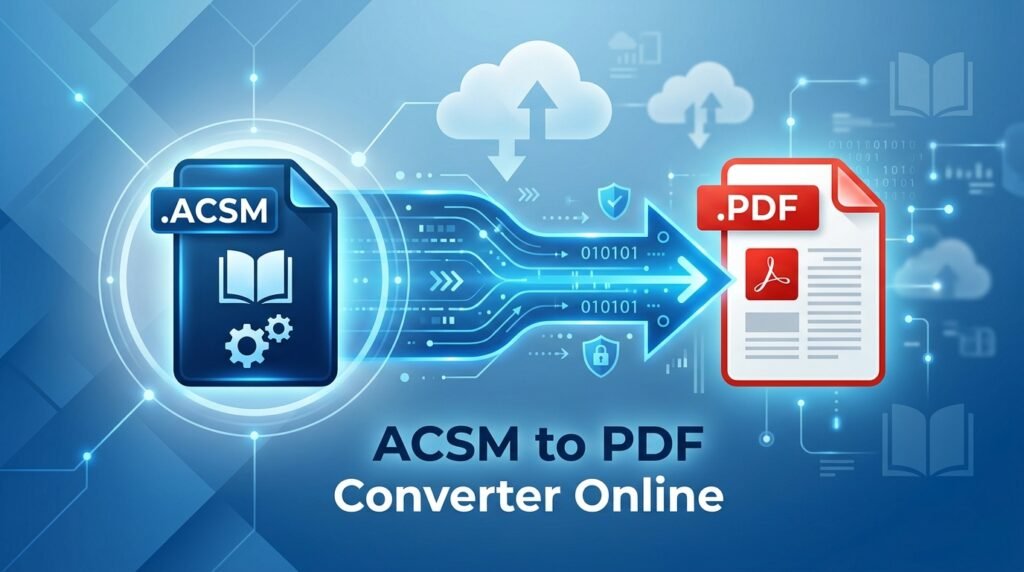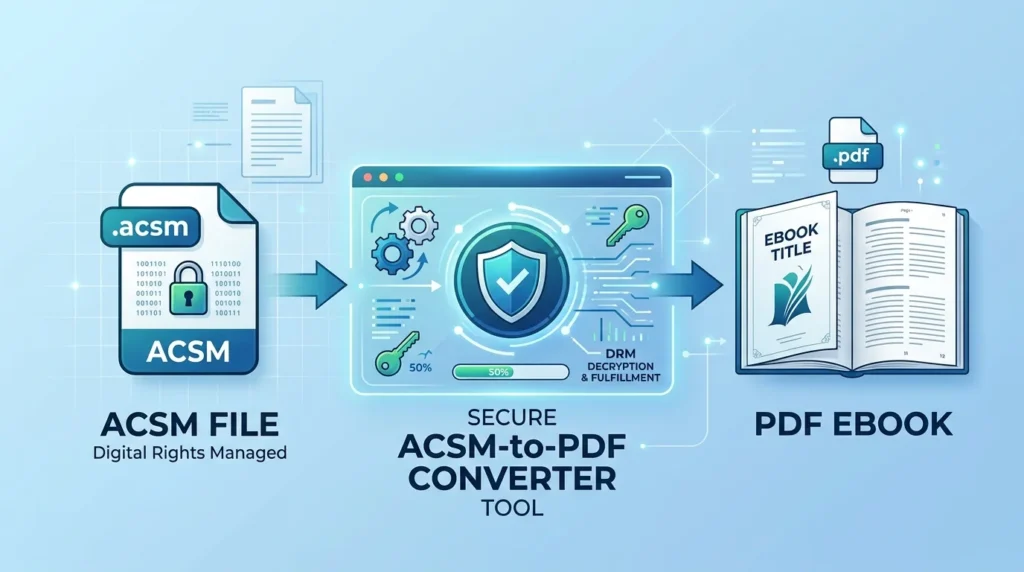
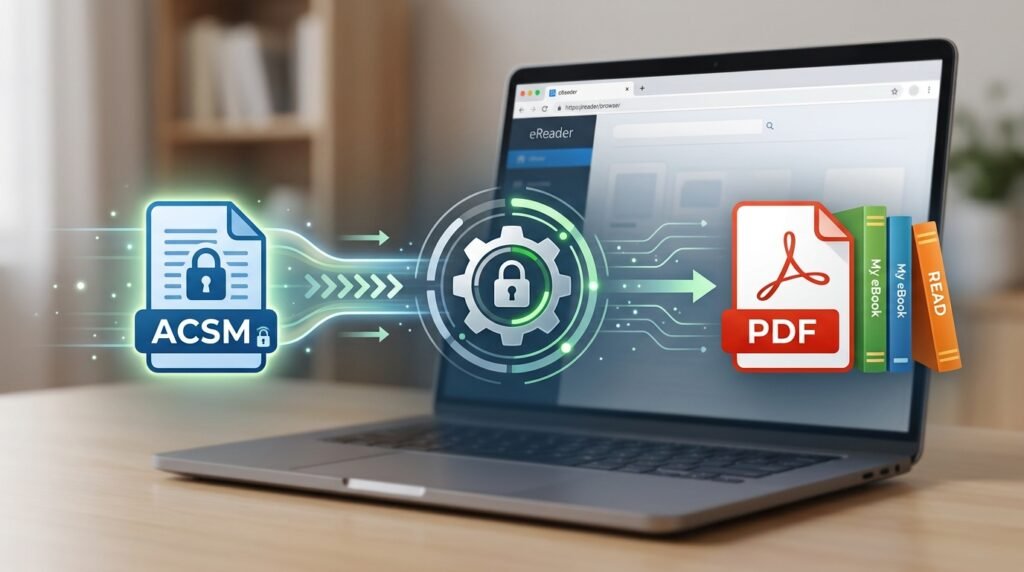
ACSM to PDF Converter helps you understand how to open an .acsm file and get the ebook linked to it. An ACSM file is not the actual ebook; it is a small fulfillment file used by authorized software such as Adobe Digital Editions (ADE) to retrieve the book from the provider. Depending on the publisher, the final ebook may be available as PDF or EPUB. In this guide, you will learn how to open an ACSM file, complete authorization, find the downloaded ebook, fix common errors, and handle EPUB files correctly.
What Is an ACSM File?
ACSM stands for Adobe Content Server Message. Unlike PDF or EPUB files, an ACSM file normally does not contain the pages, images, or chapters of the ebook. It acts more like a fulfillment ticket that allows compatible software to obtain the ebook associated with your purchase or library loan.
The UK National Archives’ PRONOM format registry describes ACSM as an Adobe Content Server Message file used to manage and download digital content through Adobe Digital Editions and notes that it functions essentially as a key for downloading purchased content.
This distinction matters because you cannot perform a normal byte-for-byte conversion from ACSM to PDF.
| File | What it contains | Typical purpose |
|---|---|---|
| ACSM | Fulfillment/license information | Retrieves an ebook |
| Fixed-layout ebook or document | Reading, printing, sharing when permitted | |
| EPUB | Reflowable ebook content | Reading on ebook apps and devices |
The ebook retrieved from an ACSM file may be PDF or EPUB, depending on what the ebook provider supplied. Adobe Digital Editions supports reading both PDF and EPUB ebooks.

Can You Really Convert ACSM to PDF?
Sometimes, but the term ACSM to PDF conversion can be misleading.
When you open an ACSM file, compatible software first fulfills the license and downloads the real ebook. If the publisher provides the book as a PDF, you may receive a PDF directly. In that situation, there is no separate ACSM-to-PDF conversion step.
If the publisher provides an EPUB instead, opening the ACSM file will normally result in an EPUB rather than a PDF. You cannot force every ACSM file to produce PDF because the fulfillment format is controlled by the ebook provider.
DRM or licensing restrictions may also prevent further conversion. This guide does not cover bypassing DRM, removing access controls, or defeating publisher restrictions.
What You Need Before Using an ACSM to PDF Converter
The safest standard method uses Adobe Digital Editions or another reading application officially supported by the ebook provider.
You will generally need the ACSM file, an internet connection, compatible ebook software, and the account or vendor credentials required by the store or library. An Adobe ID may also be needed when the ebook is intended to work across authorized devices.
Adobe recommends authorizing Digital Editions when borrowing library books or reading protected ebooks on multiple devices.
How To Use the ACSM to PDF Converter Process
For most users, the following authorized fulfillment process is the correct way to handle an ACSM file:
- Download and install Adobe Digital Editions. Get the application from the official Adobe/Digital Editions support channel rather than an unknown converter website.
- Open Adobe Digital Editions. Launch the application after installation.
- Authorize your computer when required. In Digital Editions, use the authorization option and sign in with the Adobe ID or Vendor ID associated with your ebook provider. Authorization is especially important if you need to access protected books on more than one device. Adobe’s documentation confirms that Digital Editions supports Adobe ID or Vendor ID authorization.
- Open the ACSM file. Double-click the
.acsmfile or open it with Adobe Digital Editions. The application reads the fulfillment information and contacts the appropriate server. - Allow the ebook to download. Digital Editions retrieves the actual ebook attached to the ACSM license. Depending on the provider, the result can be PDF or EPUB.
- Check the downloaded format. Open the book in Digital Editions or locate it in your Digital Editions library. If the provider supplied a PDF, your ACSM-to-PDF process is effectively complete.
- Use the downloaded ebook according to its license. If the result is EPUB rather than PDF, do not rename the file extension. Conversion to PDF is only appropriate when the ebook is DRM-free or its license explicitly permits conversion.
Adobe states that books managed through Digital Editions can be stored in the My Digital Editions folder in the computer’s Documents directory, although exact locations can vary by operating system and configuration.

What Happens After You Open the ACSM File?
Once fulfillment succeeds, the small ACSM file has done its main job. The useful file is now the downloaded PDF or EPUB.
If you receive a PDF, open it through Adobe Digital Editions or another application permitted by the license.
If you receive an EPUB, that does not mean the ACSM converter failed. It usually means EPUB is the format provided for that title.
Adobe Digital Editions is designed to read both formats, so an EPUB result can normally be read directly without converting it to PDF.
Can You Convert the Downloaded EPUB to PDF?
If the fulfilled EPUB is not DRM-protected and you have the right to convert it, you can use an EPUB-to-PDF conversion application after fulfillment.
That is a separate process from opening the ACSM file.
The correct sequence is:
ACSM → authorized fulfillment → EPUB → PDF conversion if permitted
It is not:
ACSM → direct PDF conversion
For DRM-protected library loans, purchased ebooks with access restrictions, or other licensed material, use the ebook through applications and devices permitted by the provider rather than attempting to bypass those protections.
Why Renaming ACSM to PDF Does Not Work
Simply changing the file name from book.acsm to book.pdf will not turn it into a readable PDF. Renaming only changes the extension shown in the file name; it does not change the file’s internal format or create PDF content.
If you try to open the renamed file in a PDF reader, it may appear corrupted, unsupported, or invalid. The correct approach is to open the ACSM file with supported ebook software and let it retrieve the ebook format provided by the publisher.
Common ACSM to PDF Problems and How To Fix Them
ACSM File Does Not Open
Make sure Adobe Digital Editions or another provider-supported application is installed. If your operating system does not automatically associate ACSM files with the application, open Digital Editions first and then open the ACSM file from the application or set Digital Editions as the program used for .acsm files.
Downloading a fresh copy of the ACSM file from your library or bookseller can also help when the original token is damaged or no longer valid.
“License Already Fulfilled by Another User”
This usually indicates that the ebook has already been fulfilled under a different authorization.
Adobe recommends checking Library > Authorize Computer to confirm that Digital Editions is using the correct Adobe ID. If the ID is correct and the problem remains, the ebook provider may need to reset the activation.
Avoid repeatedly fulfilling the same ebook under different accounts because licenses can become tied to the account used during the initial fulfillment.
E_ADEPT_IO or Adobe DRM Error
Adobe documents E_ADEPT_IO as an error that can occur when Digital Editions cannot communicate properly with the activation service. Firewall, antivirus, or proxy software may interfere with that connection. An incorrect computer clock can also create DRM-related problems.
Verify your computer’s date, time, and time zone first. Then check whether security software, a proxy, VPN, or restrictive network is preventing Digital Editions from reaching the required service.
E_ADEPT_NOT_READY or E_ACT_NOT_READY
Adobe recommends deauthorizing and reauthorizing Digital Editions for these activation errors.
Be careful when deauthorizing a computer containing existing licensed ebooks because changing authorization can affect access to content associated with the previous activation.
The ACSM File Downloads an EPUB Instead of PDF
This is normally not an error. The publisher or provider determines the ebook format available through fulfillment.
If the title is supplied as EPUB, there may be no authorized PDF version available through that ACSM file. Read the EPUB directly in Digital Editions or another supported application unless you have a legitimate, DRM-free copy that can legally be converted.
The ACSM File Has Expired or Will Not Fulfill
Library loans, temporary download links, and fulfillment tokens may have time or account restrictions. If the ACSM file no longer works, return to the original bookseller or library account and download a new copy if the title is still available to you.
For persistent licensing problems, the ebook provider is generally the right place to request a new fulfillment link or license reset.

Are Online ACSM to PDF Converters Safe?
Be cautious with websites promising instant ACSM-to-PDF conversion.
Because ACSM files can contain fulfillment information connected to an ebook transaction or license, uploading them to an unknown third-party service may expose information you would rather keep private. You may also be asked to upload a protected ebook or provide account credentials, which should be treated as a major warning sign.
A legitimate service should never need your Adobe account password simply to convert a document.
There is also no guarantee that an online ACSM converter can produce PDF. If the underlying book must first be retrieved through authorized fulfillment, a generic file-conversion server cannot treat the ACSM file like an ordinary EPUB, Word document, or image.
Using the provider’s supported fulfillment method is therefore the safer approach.
ACSM to PDF vs Normal File Conversion
Normal converters receive the source document itself. For example, a Word-to-PDF converter receives the text, images, and formatting from the Word file and creates a PDF representation.
An ACSM file is different because the ebook content is usually somewhere else. The ACSM file tells compatible software how to request that content and apply the appropriate authorization.
That is why an ACSM to PDF converter should be understood primarily as an ebook fulfillment workflow rather than an ordinary file conversion.
FAQ
Is an ACSM file the same as a PDF?
No. An ACSM file is generally a fulfillment or license-related file used to retrieve an ebook. The actual ebook may be PDF or EPUB.
Can every ACSM file be converted to PDF?
No. The provider determines the ebook format, and licensing or DRM restrictions may apply. Some ACSM files retrieve PDF files, while others retrieve EPUB files.
Can I open an ACSM file in Adobe Acrobat Reader?
Not as an ordinary PDF. The ACSM file should first be opened using Adobe Digital Editions or another application authorized by the ebook provider so it can retrieve the actual ebook.
Why did my ACSM file become an EPUB instead of a PDF?
Because EPUB is the format supplied by the ebook provider for that title. The ACSM file itself does not let you choose whether the fulfilled ebook will be EPUB or PDF.
Is it safe to use a free online ACSM to PDF converter?
Unknown online converters should be treated cautiously because ACSM files can contain fulfillment-related information and protected ebooks may have licensing restrictions. Using Adobe Digital Editions or another officially supported fulfillment application is generally safer.
Conclusion
Using an ACSM to PDF converter correctly starts with understanding that ACSM is not the ebook and cannot simply be renamed or directly converted like an ordinary document. Open the ACSM file with Adobe Digital Editions or another authorized fulfillment application, sign in with the correct account when required, and let the software retrieve the actual PDF or EPUB supplied by the provider. If you receive a PDF, the process is complete; if you receive an EPUB, convert it only when the file is DRM-free and your license permits it, otherwise read it with an authorized ebook application.