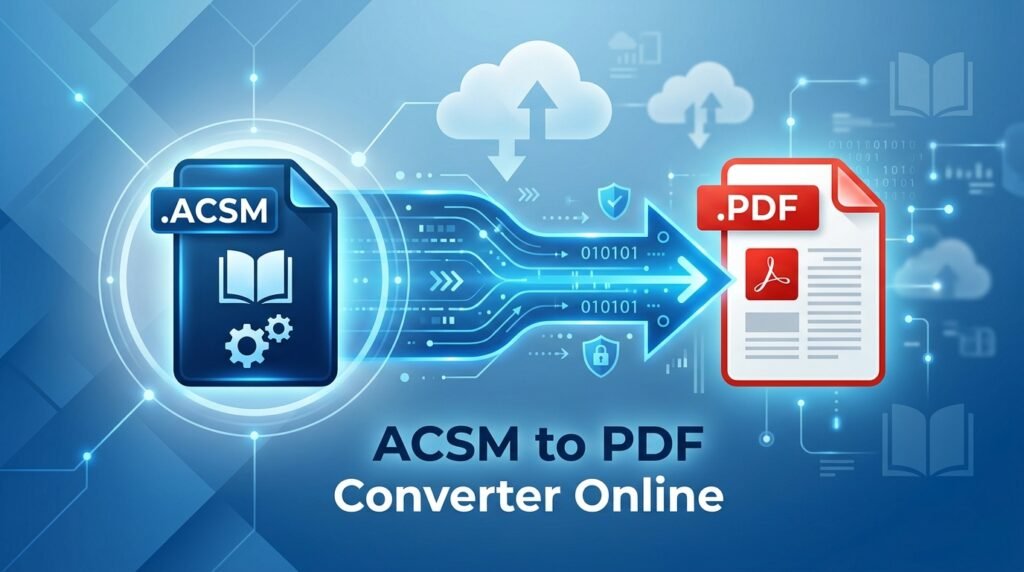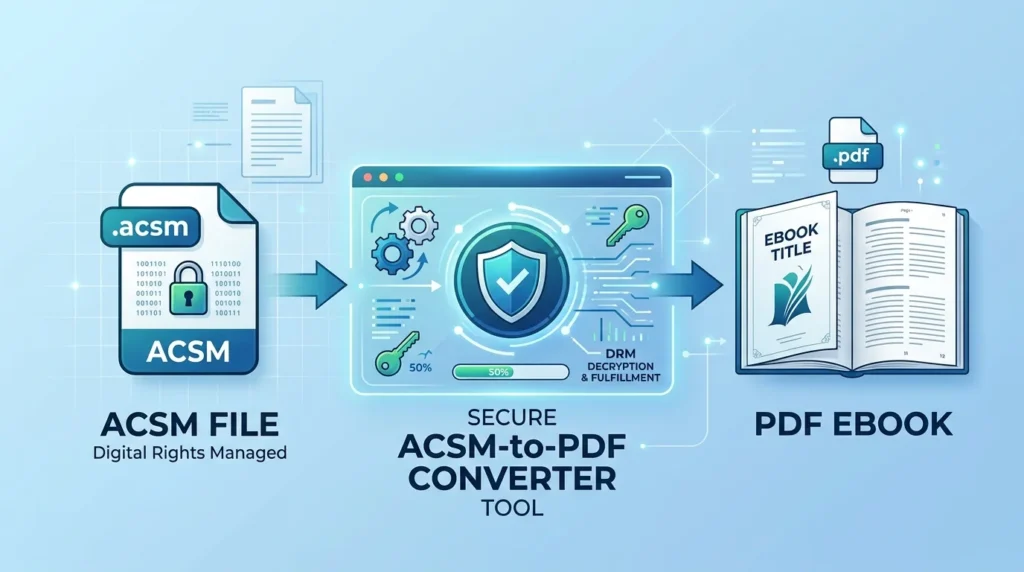
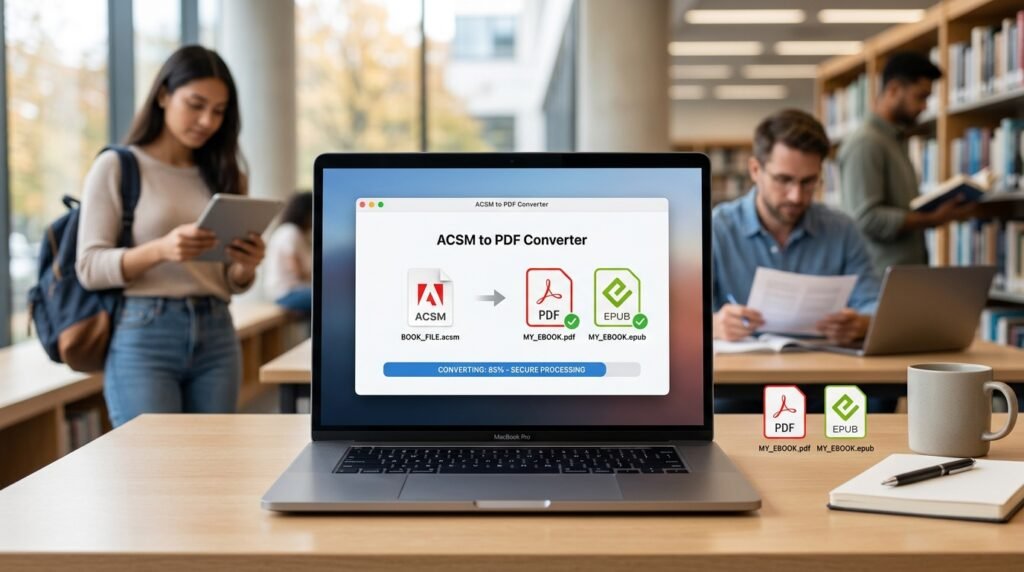
ACSM to PDF converter is commonly used by ebook readers who receive an ACSM file from a digital library, bookstore, university, or publishing platform and want to access the actual ebook on their device. An ACSM file is not the ebook itself; instead, it is a small fulfillment file that helps an authorized ebook application verify access and download the licensed content. Depending on the provider, the final ebook may be delivered in PDF or EPUB format, which means every ACSM file does not necessarily result in a PDF. Understanding this process helps users open their ebooks correctly, avoid unsafe methods, and fix common authorization, licensing, or download problems.
What Is an ACSM File?
An ACSM file is associated with ebook fulfillment systems rather than being a normal document containing the pages of a book. When an ebook provider gives you an ACSM file, compatible software uses the information in that file to authenticate the transaction and obtain the actual ebook.
This distinction matters because simply changing a filename from book.acsm to book.pdf does not turn it into a PDF. The ACSM file has to be processed through the authorized fulfillment system first.
Adobe’s Digital Editions documentation confirms that the application works with ebooks in both PDF and EPUB formats and is commonly used for books obtained from libraries and booksellers.
The basic process is:
ACSM file → license/account verification → ebook download → PDF or EPUB
Whether the final ebook is PDF or EPUB is determined by the publisher, library, bookstore, or other content provider. An ACSM file therefore cannot be assumed to produce a PDF every time.
Who Uses an ACSM to PDF Converter or Fulfillment Tool?
Several types of users commonly search for ACSM-to-PDF solutions, although in most cases what they actually need is an authorized ACSM fulfillment application.
Library Ebook Borrowers
Digital library users are among the most common people who encounter ACSM files. A library may provide a small ACSM file after a borrower checks out an ebook.
The borrower then opens the ACSM file in compatible ebook software so that the licensed book can be downloaded.
Library readers may prefer PDF when:
- They want fixed-page formatting.
- Page numbers are important for citations.
- The ebook contains charts or complex layouts.
- Their preferred reading device works better with PDF.
However, library lending restrictions still apply. Borrowed ebooks can have expiration dates and DRM controls, and an ACSM tool does not remove those restrictions.
Students
Students frequently download textbooks, academic books, and assigned readings from digital libraries or educational ebook platforms.
A student might search for an ACSM to PDF converter because PDF is convenient for:
- Reading course material on a laptop.
- Referring to fixed page numbers.
- Searching within supported documents.
- Managing academic files alongside other PDFs.
- Using permitted annotation or accessibility features.
The student’s legitimate goal is normally to retrieve the ebook they already have permission to use rather than bypass the publisher’s licensing system.

Researchers and Academics
Researchers may encounter ACSM downloads while obtaining books from institutional libraries, scholarly ebook services, or licensed collections.
PDF can be especially useful for research material because fixed-layout documents preserve page references, tables, diagrams, equations, and formatting. This can make it easier to work with sources where precise page citations matter.
Researchers should still use the fulfilled ebook according to its license. Availability of a PDF depends on the format supplied by the ebook provider.
Customers Who Buy Ebooks Online
Some ebook stores use ACSM-based fulfillment after a customer purchases a title.
The customer may expect to download a PDF immediately and become confused when a tiny .acsm file appears instead. In this case, the ACSM file generally needs to be opened with the authorized ebook software to request the purchased title.
If the publisher supplies a PDF, the fulfilled book will be PDF. If the publisher supplies EPUB, the result will be EPUB instead.
Teachers and Educators
Teachers may receive licensed ebooks through schools, libraries, publishers, or educational platforms. They may want a PDF version when the provider offers one because fixed pages are useful for directing students to specific sections.
For example, an instructor might say, “Read pages 40–55,” which is usually easier when everyone has the same fixed-layout edition.
Educators still need to follow the ebook’s licensing and distribution conditions. Retrieving an ebook for personal or institutional access does not automatically give permission to distribute copies to students.
Professionals Using Technical Ebooks
Engineers, developers, designers, legal professionals, and other workers sometimes obtain reference books through corporate libraries or commercial ebook providers.
PDF may be attractive for technical material containing:
- Diagrams
- Tables
- Mathematical notation
- Fixed page references
- Code examples
- Complex page layouts
An authorized ACSM workflow lets these users retrieve the content provided under their organization’s or personal license without treating the ACSM file itself as a conventional document.
Users Moving to Another Computer or Reading Device
Some readers search for an ACSM converter when they are actually experiencing an authorization problem on a new device.
Ebook licenses can be connected to the account used during fulfillment. Older Adobe support documentation explains that users reading borrowed books or accessing ebooks across multiple devices may need to authorize Digital Editions appropriately.
Account consistency is particularly important. Adobe documents the E_LIC_ALREADY_FULFILLED_BY_ANOTHER_USER error as a situation where an ebook has already been fulfilled under a different account; the recommended response is to verify the account and, when necessary, contact the ebook provider for a new ACSM token.

How Authorized ACSM Fulfillment Works
For most users, the safest approach is not to search for an unknown online “ACSM to PDF converter.” Instead, use the ebook provider’s recommended fulfillment software.
A typical process works like this:
- Download the ACSM file from the library, bookstore, or ebook provider.
- Install the currently supported ebook fulfillment application recommended by the provider.
- Authorize the application with the appropriate account when required.
- Open the ACSM file in that application.
- Allow the software to contact the ebook licensing or fulfillment service.
- Download the actual ebook.
- Check the delivered format. It may be PDF or EPUB.
Adobe’s documentation states that Digital Editions can open and manage PDF and EPUB ebooks, reinforcing that fulfillment can lead to either format rather than automatically creating a PDF.
Important Account Change for Current Digital Editions Users
The account system around Adobe’s ebook platform has changed. Adobe announced that ongoing support and development for Adobe eBook Platform components transitioned beginning in July 2025 and is now handled by Wipro Engineering – Connected Services through ByteBooks. Adobe’s July 10, 2026 transition information says users are moving from Adobe ID authentication to a ByteBooks ID, with support, downloads, and account management handled through ByteBooks.
Because this transition is relatively recent, users following older tutorials may see outdated instructions telling them to create or use an Adobe ID. When authorization instructions differ from what appears in the current software, use the latest guidance supplied by the ebook provider or ByteBooks.
Why Do Users Prefer PDF?
PDF is popular because it preserves a page’s appearance across devices. That can be helpful for textbooks, reference books, academic publications, illustrated material, and documents where page numbers matter.
| User | Why PDF May Be Useful |
|---|---|
| Student | Stable pages for coursework and citations |
| Researcher | Consistent page references and document layout |
| Library borrower | Convenient reading when the library supplies PDF |
| Professional | Reliable display of diagrams and technical material |
| Teacher | Easier reference to specific pages |
| Ebook buyer | Compatibility with preferred reading workflow |
Still, preference does not determine the delivered format. If the ebook provider fulfills the ACSM request as EPUB, the ACSM file itself cannot force the server to provide PDF.
Why Unknown Online ACSM Converters Can Be Risky
Online services promising instant ACSM-to-PDF conversion should be approached carefully.
An ACSM file can contain information connected with an ebook fulfillment request. Uploading it to an unknown third-party website may expose data associated with your ebook transaction or access token.
Possible risks include:
- Loss of privacy.
- Exposure of fulfillment information.
- Malicious downloads.
- Fake converter pages.
- Requests for unnecessary account credentials.
- Attempts to bypass ebook access controls.
- Failure because the ACSM token has already expired or been fulfilled.
You should never give an unknown converter your ebook account password simply because it claims that login information is necessary.
Using the provider’s supported fulfillment application is generally the safer route.

Common ACSM Problems and How to Fix Them
The ACSM File Opens as Text
This normally means the computer is opening the ACSM file with a text editor, browser, or another incorrect program.
Fix: Install the supported ebook fulfillment application and associate .acsm files with it, or open the file manually from the application.
Renaming ACSM to PDF Does Not Work
Changing the extension only changes the filename. It does not download or create the ebook.
Fix: Restore the .acsm extension if necessary and fulfill the file through the authorized ebook system.
The Ebook Downloads as EPUB Instead of PDF
This does not necessarily mean anything went wrong. The provider may have supplied the book only in EPUB format.
Fix: Check the bookstore or library listing to determine which formats are offered. Do not assume that every ACSM file has a PDF edition behind it.
“License Already Fulfilled” Error
One common error is E_LIC_ALREADY_FULFILLED_BY_ANOTHER_USER.
According to Adobe’s support documentation, this can occur when the ebook was previously fulfilled under another account. Users should verify that they are using the same authorized account; if the account is correct, the ebook provider may need to issue a new ACSM token.
DRM or Connection Error
DRM-related errors can occur when the fulfillment application cannot communicate correctly with the activation service. Adobe’s troubleshooting documentation notes possible causes including incorrect computer date or time, network restrictions, firewall settings, proxies, or activation-service connectivity.
Try these fixes:
- Confirm your computer’s date, time, and time zone.
- Check that the internet connection works.
- Verify that security software is not blocking the ebook application.
- Confirm that the correct account is authorized.
- Follow the current provider’s troubleshooting guidance.
- Contact the ebook seller or library if a token needs to be reissued.
Does an ACSM to PDF Converter Remove DRM?
A legitimate fulfillment process does not exist to remove DRM simply because someone wants a standard PDF.
Digital rights management may control which account or devices can access an ebook and, for library books, how long access remains available. An ACSM file can be part of that licensing process.
If the fulfilled ebook is DRM-protected, users should read and manage it using methods allowed by the provider. This guide does not cover bypassing DRM or other access controls.
When You May Not Need PDF at All
Sometimes users search for an ACSM to PDF converter simply because they assume PDF is required to read the book.
If fulfillment downloads an EPUB, you may be able to read the EPUB directly in a compatible authorized ebook reader. EPUB can also be better suited to small screens because reflowable text can adapt to the display size.
PDF is particularly useful for fixed layouts, while EPUB is often more comfortable for novels and text-heavy books. The best option therefore depends on the book and the formats the provider legitimately makes available.
FAQs
Who typically uses an ACSM to PDF converter?
Library borrowers, students, researchers, educators, professionals, and customers who purchase licensed ebooks commonly search for ACSM-to-PDF tools. In practice, most need an authorized ACSM fulfillment application that retrieves the actual PDF or EPUB from the ebook provider.
Is an ACSM file actually a PDF ebook?
No. An ACSM file is not the ebook itself. It is generally a fulfillment or license-related file used by an authorized system to request the ebook from a provider.
Can every ACSM file be converted to PDF?
No. The fulfilled ebook can be PDF or EPUB depending on what the provider supplies. If the licensed title is distributed as EPUB, the ACSM file does not automatically provide a PDF version.
Can I rename an ACSM file from .acsm to .pdf?
No. Renaming the extension does not convert or download the ebook. The ACSM file must first be processed through the appropriate authorized fulfillment service.
Why is my ACSM file not downloading the ebook?
Common causes include using the wrong authorized account, an already fulfilled or expired token, incorrect system date or time, connection problems, or licensing issues. Check your account and network settings first, then contact the library or ebook provider if the ACSM token needs to be reissued. Adobe also documents account and activation errors as common causes of failed ebook access.
Conclusion
People who search for an ACSM to PDF converter are typically legitimate ebook users trying to access a book obtained from a library, bookstore, educational service, or other licensed provider, but the important point is that ACSM is not a normal ebook format that converts directly into PDF. The correct workflow is to use the provider’s authorized fulfillment system, retrieve the actual PDF or EPUB available under the license, and troubleshoot account or token errors when fulfillment fails; before using any unfamiliar online converter, check whether your ebook can simply be opened through the supported reader instead.