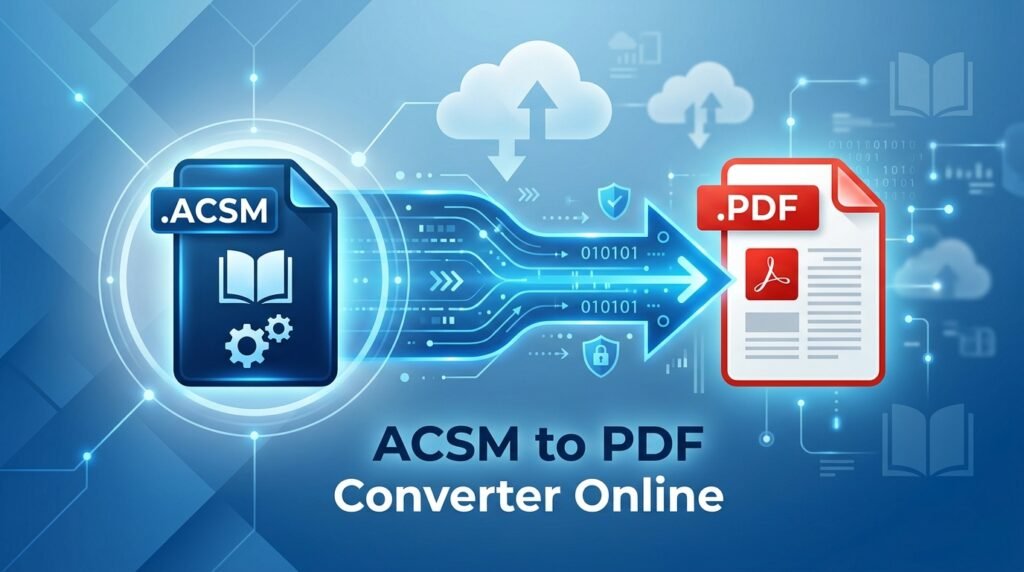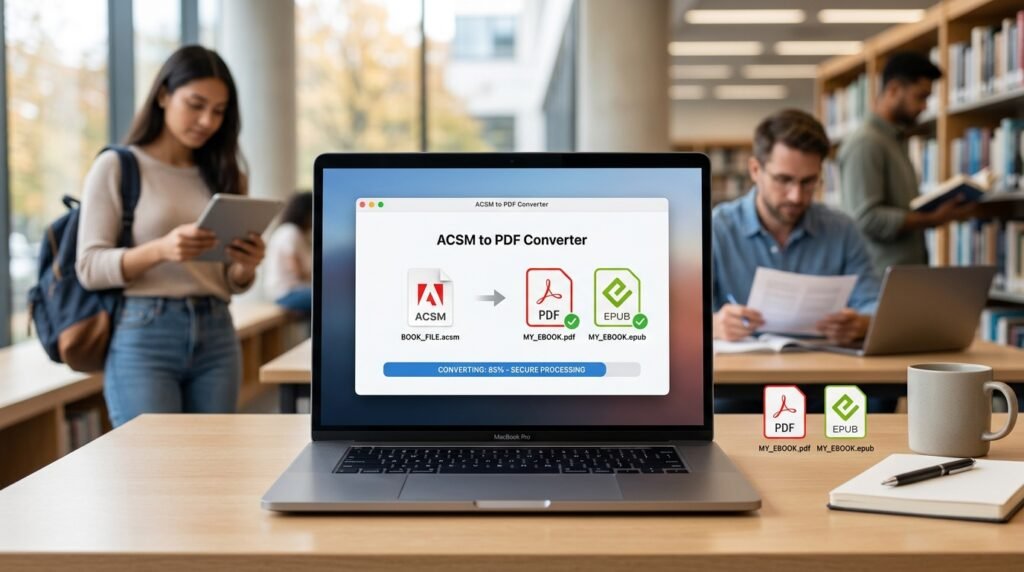
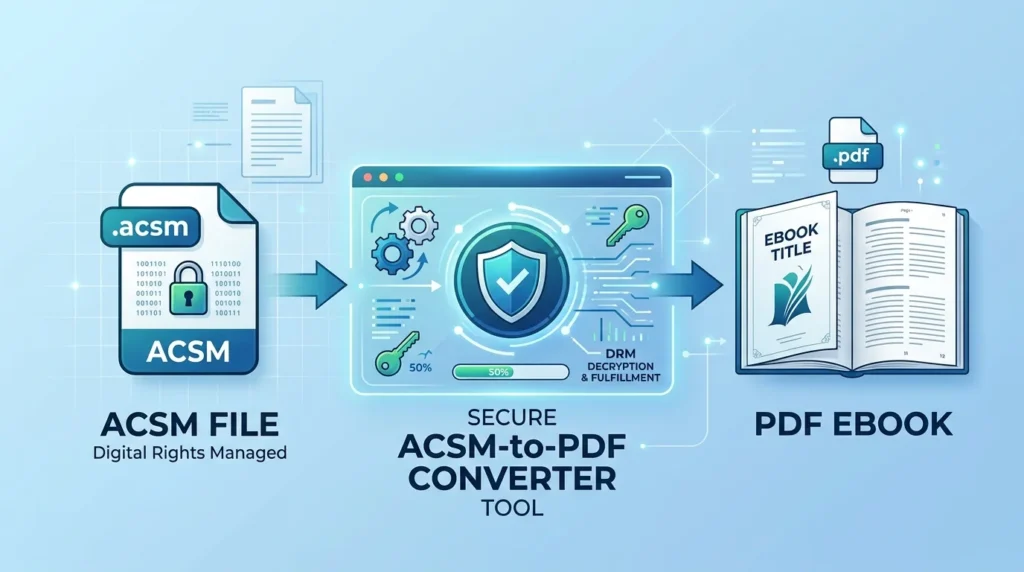
ACSM to PDF converter tool is commonly searched by users who want to open an ACSM file and get a readable PDF ebook. However, an ACSM file is not the actual ebook; it is a small fulfillment or license-related file that helps an authorized ebook application retrieve the book from the provider’s server.
The downloaded ebook may be available as PDF or EPUB, depending on the publisher or library. In this guide, you will learn how ACSM fulfillment works, how to use Adobe Digital Editions or another authorized method, where to find the downloaded ebook, and how to fix common ACSM authorization, licensing, and download errors safely.
Can You Convert an ACSM File Directly to PDF?
Normally, no. ACSM-to-PDF is not a standard direct file conversion like converting DOCX to PDF or JPG to PNG.
The ACSM file contains information that an ebook fulfillment system uses to obtain the actual publication. When the ACSM file is opened with a compatible authorized application, the software contacts the fulfillment server, validates the license, and downloads the ebook you are allowed to access.
Adobe’s Content Server platform distributes protected ebooks in formats including PDF and EPUB, while Adobe Digital Editions is designed to download and read ebooks obtained from libraries and booksellers.
The process is therefore better understood as:
ACSM file → License/fulfillment verification → Ebook download → PDF or EPUB
You should never simply rename:
book.acsm
to:
book.pdf
Changing the extension does not change the ACSM file into a PDF and will normally produce an unusable file.

Best ACSM to PDF Converter Tool: Adobe Digital Editions
For ebooks distributed through Adobe’s ecosystem, Adobe Digital Editions (ADE) is the standard authorized option for handling ACSM files.
Adobe describes Digital Editions as a free ebook application for reading books obtained from libraries and booksellers, and its Content Server technology supports protected PDF and EPUB publications.
One detail worth noting is that Adobe announced that ongoing support and development of its ebook platform components, including Adobe Digital Editions, transitioned to Wipro Engineering in July 2025. Adobe directs users seeking the newest releases and technical support to the ByteBooks service.
What You Need Before Opening an ACSM File
Prepare the following:
- Your
.acsmfile from the library, bookstore, or ebook provider - An internet connection for fulfillment
- Adobe Digital Editions or another application officially supported by your provider
- The account or authorization credentials required by the ebook license
- A valid, unexpired ebook loan or purchase
Using the same authorization identity can also matter when you want to access eligible books across multiple compatible devices. Adobe explains that DRM-protected publications may be associated with the ID used to authorize Digital Editions.
How to Use an ACSM to PDF Converter Tool Correctly
Install Adobe Digital Editions
Install Adobe Digital Editions from an official or authorized source.
Avoid downloading modified installers from random converter websites. An ACSM file may be connected with purchased or borrowed content, so using unknown software can expose account information or ebook files unnecessarily.
Authorize the Computer When Required
Open Adobe Digital Editions.
Depending on the publication and provider, you may need to authorize the computer using an Adobe ID or another supported vendor ID.
Adobe states that Digital Editions can operate without Adobe ID authorization, but authorization affects how DRM-protected publications are associated with computers and compatible devices.
If your library or bookseller provides specific authorization instructions, follow those instructions rather than selecting a different account arbitrarily.
Open the ACSM File
You can normally open the ACSM file directly with Adobe Digital Editions.
If double-clicking it launches the wrong program:
- Open Adobe Digital Editions.
- Select File.
- Choose Add to Library.
- Browse to the folder containing your ACSM file.
- Select Adobe Content Server Message (*.acsm) as the file type if necessary.
- Select the ACSM file.
- Click Open.
Adobe staff have documented this method for situations in which ACSM files were incorrectly associated with another Adobe application.
Let the Ebook Download
Digital Editions reads the fulfillment information in the ACSM file and contacts the relevant server.
If authorization and licensing are valid, the actual ebook is downloaded into your Digital Editions library.
The result is determined by the publisher or provider. You might receive:
- A PDF ebook
- An EPUB ebook
An ACSM file does not guarantee that the result will be PDF. Adobe’s ebook infrastructure supports both PDF and EPUB content.
Check the Downloaded Ebook Format
Open the downloaded title in your Digital Editions library.
If the publisher supplied the ebook as PDF, you now have the PDF version made available under that license.
If the publisher supplied EPUB, the fulfillment process has worked correctly—you simply received EPUB rather than PDF.

Where Is the PDF After Opening an ACSM File?
The downloaded publication is stored separately from the original ACSM file.
The exact location varies according to your operating system and application configuration. Instead of searching through folders manually, you may be able to locate the book from inside Digital Editions.
For example, Adobe community guidance describes selecting a downloaded title and using Show File in Explorer on Windows or Show File in Finder on macOS to locate its underlying ebook file. The fulfilled publication can be PDF or EPUB.
Remember that finding the ebook file does not remove any license restrictions attached to it.
What If the ACSM File Downloads an EPUB Instead of PDF?
This does not mean the ACSM converter failed.
The provider decides which publication format is delivered. If its server assigns an EPUB edition, Digital Editions retrieves EPUB. If it assigns PDF, the application retrieves PDF.
You generally cannot force an ACSM license intended for an EPUB publication to make the server deliver a PDF instead.
If the resulting EPUB is DRM-free and your rights to the publication permit format conversion, you can use a legitimate ebook conversion application to create another format for personal use where permitted.
If the EPUB is DRM-protected, do not use tools intended to defeat that protection. Instead, check whether:
- The bookseller offers a PDF edition.
- Your library offers another format.
- The publisher provides an accessible alternative.
- The ebook can be read in another authorized application or device.
Common ACSM Conversion Problems and Fixes
| Problem | Likely reason | What to do |
|---|---|---|
| ACSM opens in Adobe Reader or another app | Incorrect file association | Open Adobe Digital Editions manually and use File > Add to Library |
| Ebook does not download | Fulfillment server or internet problem | Check your connection and retry the original ACSM file |
| Authorization error | Wrong or missing account authorization | Verify which Adobe ID or vendor ID the provider expects |
| Loan-related error | Library loan expired or was returned | Borrow the title again if it is still available |
| Fulfillment/license error | Token, account, provider, or server issue | Download a fresh ACSM file and contact the ebook provider if it persists |
| Ebook downloads as EPUB | Provider supplied EPUB rather than PDF | Read the EPUB or check whether the provider offers a PDF edition |
ACSM Opens in the Wrong Application
An ACSM file should not normally be opened in Adobe Acrobat or Adobe Reader as though it were a PDF.
Open Digital Editions first and add the ACSM file to its library. Adobe support guidance specifically recommends selecting Adobe Content Server Message (*.acsm) when importing the file if the normal association is incorrect.
“Loan Not On Record” Error
Adobe’s FAQ explains that the W_ADEPT_CORE_LOAN_NOT_ONRECORD message means that a valid record for the loan cannot be found on that machine, such as when a borrowed publication has already expired or been returned.
In that situation, return to the library service and check the loan status. If permitted, borrow the book again and download a new ACSM fulfillment file.
License or Fulfillment Error
Errors involving terms such as:
E_ADEPT- License
- Fulfillment
- Activation
- Server communication
usually indicate a problem in the authorization or fulfillment process rather than ordinary PDF conversion.
Try these checks:
- Confirm your internet connection.
- Verify your system date and time.
- Make sure you are using the expected account.
- Download a fresh ACSM file from the original provider.
- Confirm that the purchase or library loan is still valid.
- Restart the authorized reader and retry.
- Contact the bookstore or library if only one specific title fails.
Adobe community support has noted cases in which title-specific activation failures can originate on the ebook provider’s fulfillment side.
ACSM File Has Expired
Some ACSM fulfillment links or loan permissions may be time-sensitive.
If an old ACSM file no longer works, returning to the original library or bookseller and obtaining a new download may resolve the issue, provided your access rights remain valid.
Do not repeatedly modify the ACSM file itself; it does not contain the complete ebook.

Are Online ACSM to PDF Converter Tools Safe?
Use caution with websites advertising instant ACSM to PDF conversion.
Because an ACSM file participates in an ebook fulfillment and licensing process, a third-party website may need more than simple file conversion to retrieve protected content. That creates several concerns.
You could potentially expose:
- Fulfillment information
- Purchased-content details
- Library-related data
- Account or authorization information
- The resulting ebook itself
A service that promises to remove DRM or circumvent an ebook’s access controls is also fundamentally different from an authorized ACSM fulfillment tool.
For purchased or borrowed protected ebooks, the safer approach is to use Adobe Digital Editions or the reader officially recommended by the content provider.
ACSM to PDF Tool vs Normal PDF Converter
| Feature | ACSM fulfillment tool | Normal file converter |
| Input | ACSM license/fulfillment file | Complete document |
| Contains the full ebook initially | No | Usually yes |
| Needs a fulfillment server | Usually yes | Usually no |
| May require account authorization | Yes | Usually no |
| Output guaranteed to be PDF | No | Depends on chosen conversion |
| May download EPUB instead | Yes | Not normally |
| DRM/license restrictions can apply | Yes | Depends on source file |
This distinction explains why uploading an ACSM file to an ordinary PDF converter often does not work.
Can You Convert Every ACSM File to PDF?
No. There is no legitimate method that guarantees every ACSM file will produce a PDF.
The outcome depends on:
- Which ebook the ACSM file references
- Whether the provider offers PDF or EPUB
- Whether the fulfillment token remains valid
- Whether the book is purchased or borrowed
- Which account the license belongs to
- DRM and publisher permissions
- Server availability
- Device and application authorization
A legitimate ACSM tool retrieves the publication authorized by the provider; it does not automatically change the provider’s chosen format.
FAQs
What is the best ACSM to PDF converter tool?
For publications distributed through Adobe’s ebook system, Adobe Digital Editions is the standard authorized tool for processing ACSM files and retrieving the associated ebook. The resulting book may be PDF or EPUB.
Is an ACSM file actually a PDF?
No. An ACSM file is generally a small fulfillment or license-related file used to retrieve the real ebook. The downloaded publication may subsequently be a PDF or EPUB.
Can I rename an ACSM file to PDF?
No. Renaming .acsm to .pdf only changes the filename extension. It does not retrieve or create the ebook and will normally leave you with an invalid PDF.
Why did my ACSM file become EPUB instead of PDF?
The ebook provider determines the format supplied through the fulfillment server. If the provider assigned EPUB, the authorized application retrieves EPUB; ACSM fulfillment does not guarantee PDF. Adobe Content Server supports both protected PDF and EPUB publications.
Can I use an online ACSM converter instead of Adobe Digital Editions?
Some websites advertise this service, but unknown ACSM converters can introduce privacy, security, licensing, and DRM concerns. For protected purchased or borrowed ebooks, use the officially supported fulfillment application whenever possible.
Conclusion
An ACSM to PDF converter tool does not normally convert the ACSM file itself into a PDF; it uses the ACSM fulfillment information to retrieve the ebook you are authorized to access. Adobe Digital Editions or another provider-approved reader is the appropriate starting point, and the downloaded book may be either PDF or EPUB depending on the publisher. Open the ACSM file with the authorized application, complete any required account authorization, let it retrieve the publication, and then check the resulting format—if you receive EPUB instead of PDF, look for an officially offered PDF edition rather than attempting to bypass DRM or other access controls.