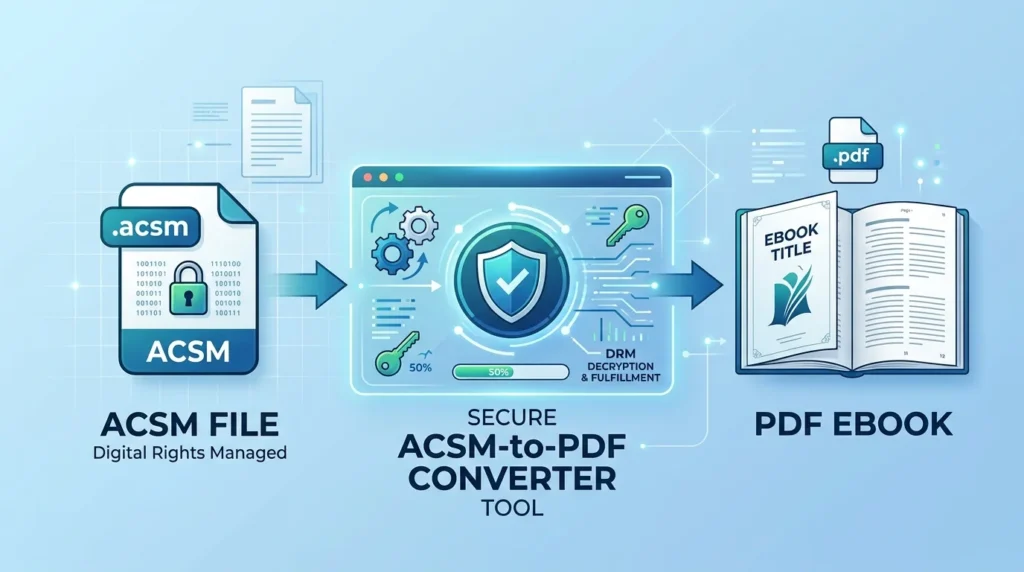
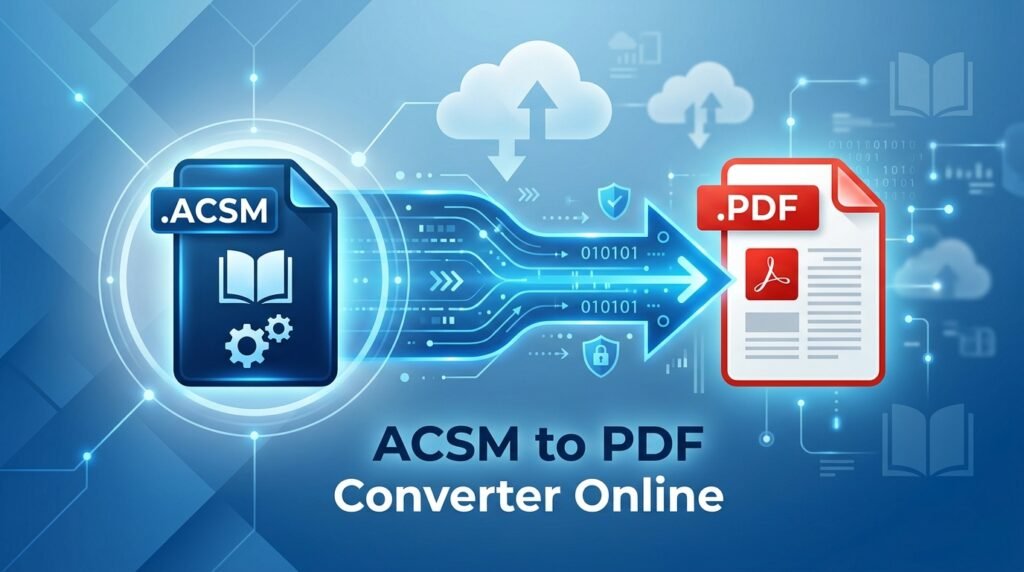
If you downloaded an ACSM file and expected to get a PDF, you may be confused when the file does not open like a normal ebook. That happens because an ACSM file is not the actual book. It is a small authorization file used by supported ebook services to verify your purchase or library loan and deliver the real ebook, which may be available as a PDF or EPUB.
So instead of looking for a typical ACSM to PDF converter online, the right approach is to first retrieve the authorized ebook and then check which format the publisher has provided. In this guide, you’ll learn how to open an ACSM file correctly, access your ebook, identify whether it is a PDF or EPUB, fix common ACSM errors, and avoid unreliable or unsafe conversion websites.
What Is an ACSM File?
ACSM stands for Adobe Content Server Message. It is typically a small file supplied when you purchase or borrow an ebook from a bookstore, library, or other provider that uses Adobe’s ebook fulfillment technology.
The ACSM file itself usually does not contain the pages, images, or complete text of the book. Instead, it provides information that an authorized application can use to contact the fulfillment server and retrieve the ebook associated with your purchase or loan.
Adobe Digital Editions is designed for downloading and reading ebooks from libraries and booksellers, and Adobe’s ebook infrastructure supports both PDF and EPUB content.
This distinction is important because:
- Renaming
book.acsmtobook.pdfwill not create a PDF. - A normal PDF converter cannot extract pages that are not present in the ACSM file.
- The final ebook may be PDF or EPUB.
- Some ebooks require authorization because of licensing or DRM restrictions.
- A borrowed ebook may stop working after its loan period expires.
ACSM vs PDF
| ACSM File | PDF File |
|---|---|
| Usually contains fulfillment or licensing information | Contains the actual document content |
| Typically very small | Usually much larger |
| Requires compatible fulfillment software | Opens in compatible PDF readers, subject to any access controls |
| May retrieve a PDF or EPUB | Already has PDF format |
Cannot simply be renamed to .pdf | Uses the .pdf extension |

Can You Convert ACSM to PDF Online?
Not in the same way that you would convert DOCX, JPG, or EPUB files.
An ACSM-to-PDF process normally has two separate stages:
- Fulfill the ACSM file using software authorized to communicate with the ebook provider.
- Receive the actual ebook in the format supplied by the provider.
If the provider supplies a PDF ebook, you effectively end up with a PDF after fulfillment. If the provider supplies an EPUB, fulfillment gives you an EPUB instead.
Adobe confirms that Digital Editions can read both EPUB and PDF ebooks. Adobe Content Server technology is also designed to distribute protected PDF and reflowable EPUB content.
Therefore, no legitimate method can guarantee that every ACSM file will become a PDF. The output depends on the ebook that the provider has made available.
The Recommended Way to Open ACSM and Get the Ebook
For ACSM files issued through Adobe-compatible fulfillment systems, Adobe Digital Editions is the standard option.
Adobe currently provides Adobe Digital Editions 4.5.12 for Windows and macOS, and Adobe lists it as a free download.
Step 1: Download Adobe Digital Editions
Download Adobe Digital Editions from Adobe’s official website rather than an unknown third-party download page.
Adobe currently lists installers for:
- Windows
- macOS
The official download page identifies the available desktop release as Adobe Digital Editions 4.5.12.
Step 2: Install Adobe Digital Editions
Run the installer and complete the setup.
Once installed, open Adobe Digital Editions before processing the ACSM file.
Step 3: Authorize Your Computer When Required
If your ebook is borrowed from a library or you want to use it on multiple compatible devices, authorization is particularly important.
Adobe recommends authorizing Digital Editions with an Adobe ID or supported Vendor ID for library borrowing or multi-device access.
In Adobe Digital Editions, look for the authorization option and sign in with the appropriate account.
Using the wrong account can cause license problems later, especially if the ebook has already been fulfilled with another account.
Step 4: Open the ACSM File
You can usually double-click the downloaded .acsm file and allow Adobe Digital Editions to open it.
If that does not work:
- Open Adobe Digital Editions.
- Select File > Add to Library.
- Browse to your ACSM file.
- Select the Adobe Content Server Message/ACSM file type if necessary.
- Open the file.
Adobe support guidance has specifically recommended opening ACSM files through Digital Editions rather than Adobe Reader when the file association is incorrect.
Step 5: Allow the Ebook to Download
Digital Editions uses the ACSM information to communicate with the fulfillment service.
If the license is valid and the server is available, the actual ebook is downloaded and added to your Digital Editions library.
This is why the process is more accurately described as ebook fulfillment rather than direct ACSM-to-PDF conversion.

How to Know Whether the ACSM Downloaded a PDF or EPUB
After successful fulfillment, check the actual ebook file or its properties.
The result will normally be one of the formats supported by the provider, commonly:
.pdf.epub
Adobe Digital Editions supports reading both formats.
If the downloaded ebook is already a PDF, no further ACSM conversion is necessary.
If the downloaded ebook is EPUB, that does not mean anything went wrong. The publisher or provider may simply distribute that title as EPUB instead of PDF.
Do not assume that an EPUB retrieved through ACSM can always be turned into an unrestricted PDF. Licensing and DRM permissions can restrict copying, printing, exporting, or conversion.
Why Renaming ACSM to PDF Does Not Work
A common suggestion is to change:
book.acsm
to:
book.pdf
This does not perform a conversion.
Changing a filename extension only changes the label used by your operating system. It does not reconstruct the internal contents of the file.
Because an ACSM file is used to initiate ebook fulfillment rather than store the complete ebook, Adobe Digital Editions or another provider-authorized fulfillment method must first retrieve the actual publication.
Are Online ACSM to PDF Converters Safe?
Be cautious with websites advertising instant ACSM-to-PDF conversion.
An ACSM file can be connected to a licensed purchase or library transaction. Uploading it to an unknown service may expose fulfillment information or give a third party access to a token associated with your ebook.
Potential concerns include:
- Privacy risks
- Unclear file retention policies
- Untrusted downloads
- Requests for unnecessary account credentials
- Malware or deceptive advertisements
- Failure to respect ebook licensing restrictions
A website should never need your Adobe account password simply to perform a normal file conversion.
For protected or licensed ebooks, using the publisher’s, library’s, bookseller’s, or Adobe-authorized workflow is generally safer than uploading the ACSM file to an unknown online converter.
Common ACSM Errors and How to Fix Them
ACSM Opens in Adobe Acrobat or Reader Instead of Digital Editions
An ACSM file is not a normal PDF, so opening it in Acrobat Reader may produce an unsupported-file or damaged-file message.
Fix:
Open Adobe Digital Editions and manually add the ACSM file through File > Add to Library, or change the system’s file association so .acsm files open with Digital Editions. Adobe support has recommended this approach for ACSM files incorrectly associated with Reader.
E_LIC_ALREADY_FULFILLED_BY_ANOTHER_USER
This error normally indicates that the ebook has already been fulfilled using another account.
Adobe recommends checking the account used to authorize Digital Editions. If you are using the correct account and the problem continues, you may need to contact the ebook provider for a new ACSM token or activation reset.
Loan Has Expired or Was Returned
For borrowed ebooks, you may encounter:
W_ADEPT_CORE_LOAN_NOT_ONRECORD
Adobe explains that this can occur when the borrowed title was previously returned or its loan period expired.
Fix:
Return to the library or ebook service and borrow the title again if it is still available.
Digital Editions Cannot Connect to the Fulfillment Server
A fulfillment error can occur when Digital Editions cannot obtain a valid response from the license server.
Possible causes include:
- Temporary provider/server problems
- Network restrictions
- Firewall or proxy interference
- An invalid or expired fulfillment request
- Problems with the ebook provider’s license system
If basic network troubleshooting does not help, contact the bookstore, library, or provider that issued the ACSM file. Adobe support information also directs users with certain fulfillment and activation problems back to the ebook provider when the authorization is correct.
Authorization Problems
If your ebook cannot be downloaded or opened, Adobe recommends checking authorization and, in some situations, deauthorizing and reauthorizing Digital Editions.
Be careful before changing authorization if you have books tied to an anonymous activation. Adobe notes that content obtained under different authorization states can behave differently, so preserve your account details and contact your provider if you are uncertain.

ACSM to PDF on Windows
On Windows, the basic workflow is:
- Download Adobe Digital Editions from Adobe.
- Install and launch the application.
- Authorize it with the appropriate account if required.
- Open the
.acsmfile with Digital Editions. - Wait for fulfillment to complete.
- Check whether the downloaded ebook is PDF or EPUB.
Adobe’s current download page provides a Windows installer for Digital Editions 4.5.12.
ACSM to PDF on Mac
The process on macOS is essentially the same:
- Install Adobe Digital Editions.
- Open the application.
- Complete authorization if required.
- Open the ACSM file.
- Allow Digital Editions to download the licensed ebook.
- Check the resulting format.
Adobe also provides a macOS installer for Digital Editions 4.5.12.
What If You Specifically Need a PDF?
First fulfill the ACSM file through the authorized system.
Then check the format you actually received.
If You Receive a PDF
You are finished. The provider has already delivered the ebook in PDF format.
If You Receive an EPUB
The provider supplied the title as EPUB. Whether you can legitimately export, print, or convert it depends on the permissions attached to that ebook.
For a protected ebook, do not use tools intended to defeat DRM or other access controls. Instead, check whether:
- The seller offers a PDF edition.
- Your library provides another format.
- The publisher provides an accessible alternative.
- Your institution can supply the document in PDF.
- The ebook’s permitted printing features meet your needs.
ACSM to PDF Converter Online: What to Look For
If a service describes itself as an online ACSM converter, verify what it actually does before uploading anything.
A trustworthy workflow should clearly explain:
- That ACSM is not the ebook itself.
- How the underlying ebook is obtained.
- Whether Adobe or another authorized fulfillment system is involved.
- Whether PDF output is actually guaranteed by the provider.
- How uploaded files and fulfillment data are handled.
- Whether protected ebooks remain subject to their existing permissions.
Avoid services that promise that every ACSM file can instantly become an unrestricted PDF. ACSM fulfillment depends on the provider’s license, account authorization, available ebook format, loan status, and other restrictions.
FAQs
Can I convert an ACSM file directly to PDF online?
Normally, no. An ACSM file is a fulfillment or license-related file rather than the complete ebook. It must first retrieve the actual ebook from the authorized provider, and that ebook may be PDF or EPUB.
Is an ACSM file the same as a PDF?
No. A PDF contains document content, while an ACSM file is generally used to request and fulfill an ebook through a compatible licensing system.
Why did my ACSM file download an EPUB instead of a PDF?
The ebook provider determines the format available for the title. Adobe’s ebook technology supports both PDF and EPUB, so successful ACSM fulfillment does not guarantee PDF output.
Can I rename an ACSM file to PDF?
No. Renaming .acsm to .pdf changes only the filename extension; it does not download or create the ebook contained behind the fulfillment request.
Do I need Adobe Digital Editions to open an ACSM file?
For ebooks distributed through Adobe-compatible fulfillment systems, Adobe Digital Editions is the standard option and is available free from Adobe. Some providers may support another authorized application or workflow, so you can also follow the instructions supplied by the bookstore or library.
Conclusion
An ACSM to PDF converter online is not a normal file converter because an ACSM file is generally a fulfillment token or license-related file rather than the ebook itself. The safest approach is to open the ACSM through Adobe Digital Editions or another method authorized by your ebook provider, allow it to retrieve the actual publication, and then check whether the provider delivered a PDF or EPUB. If you specifically require PDF and receive EPUB instead, check the publisher or provider for an official PDF option rather than renaming the ACSM file, uploading licensed files to unknown services, or attempting to bypass DRM and access controls.